VisualScripter
A downloadable tool for Windows
VisualScripter - unofficial visual scripting tool for Unity Engine.
Compatible with versions Unity 6.4 and older (newer versions are untested).
This powerful tool lets you create your own scripts for Unity without having to write any code! This app includes exactly 96 nodes that you can use to create all kinds of scripts.
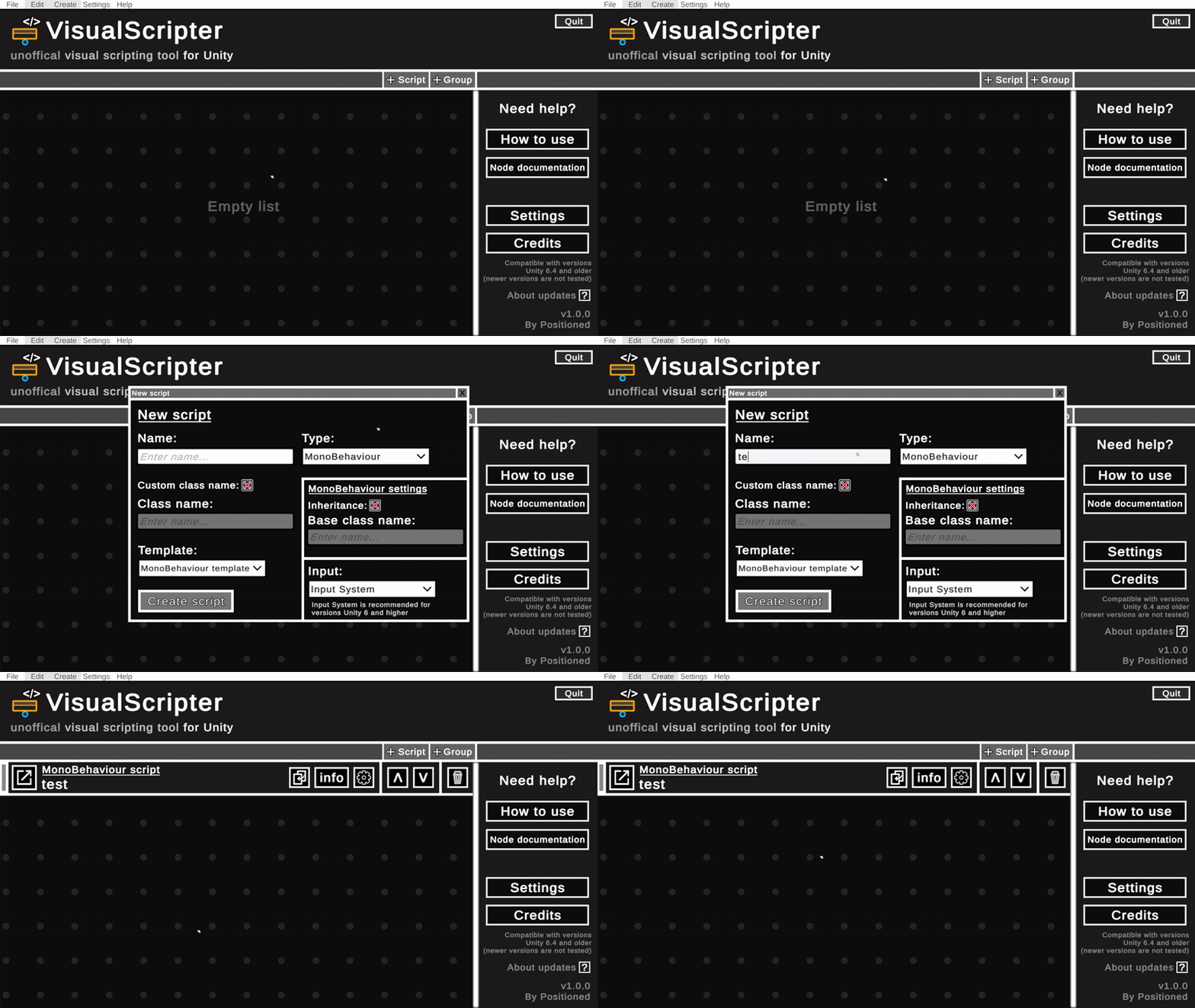
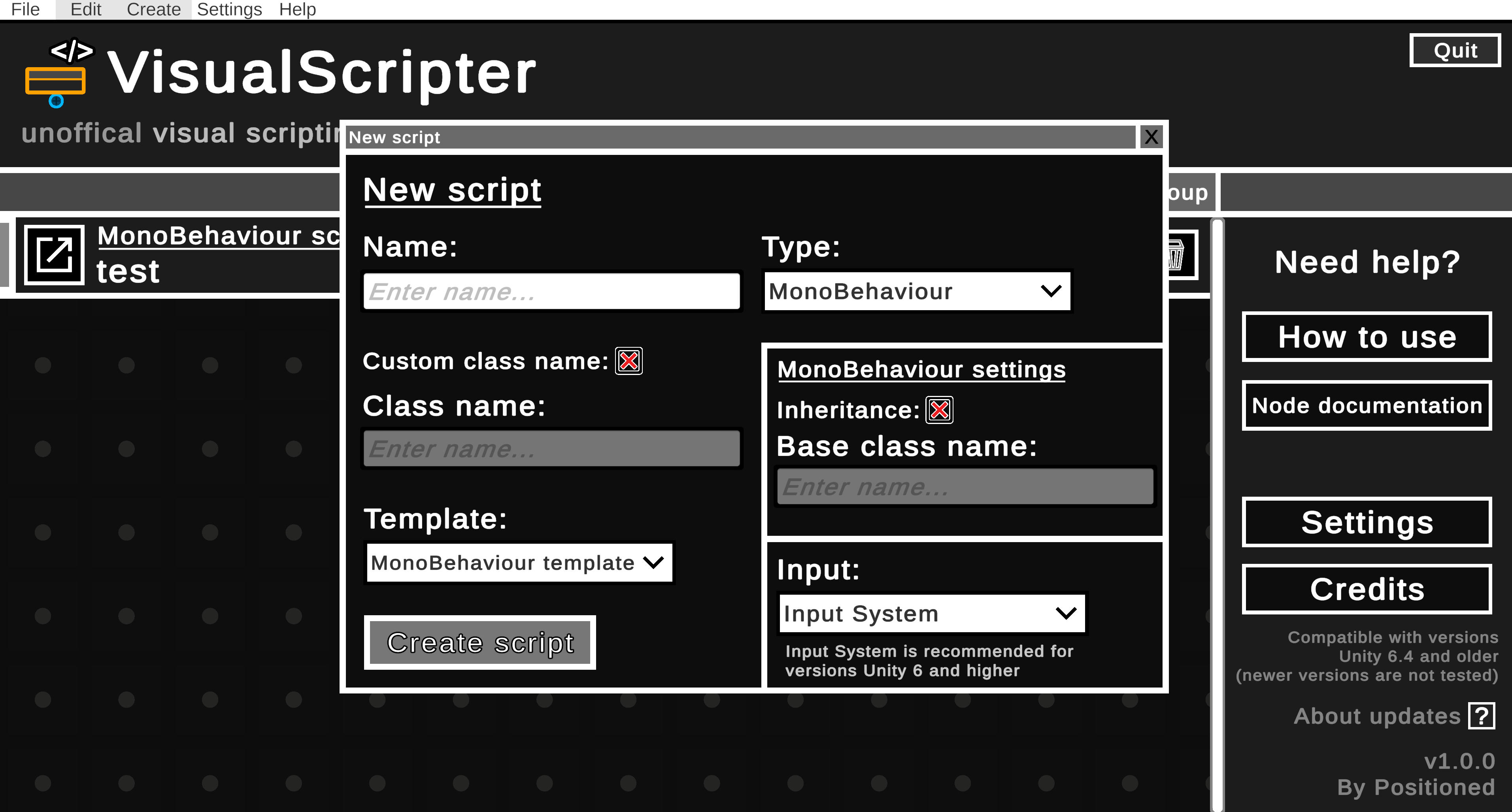
You can create MonoBehaviour scripts, ScriptableObjects, use inheritance, and much more. Also, this tool supports both input systems: Input System and Input Manager.
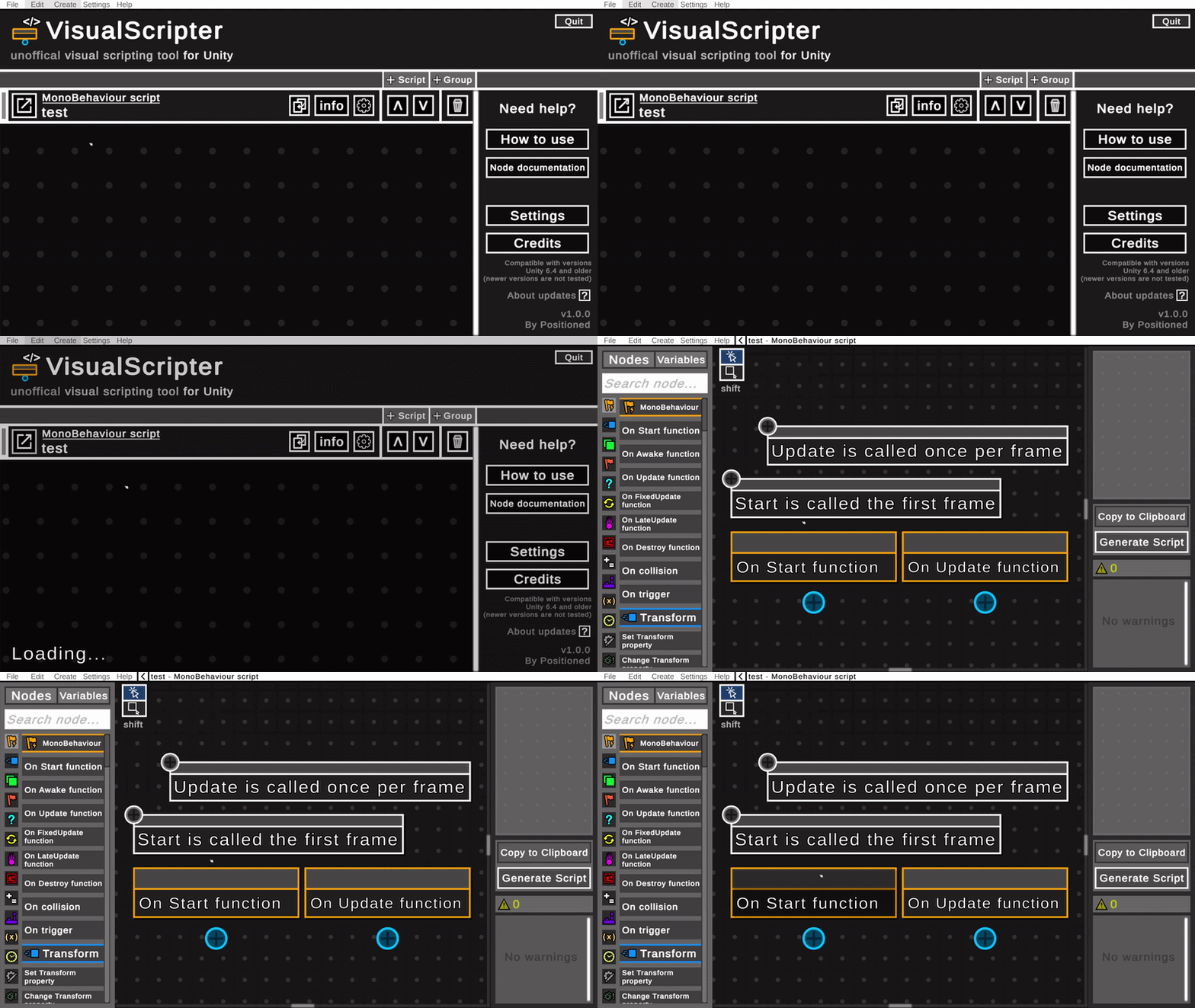
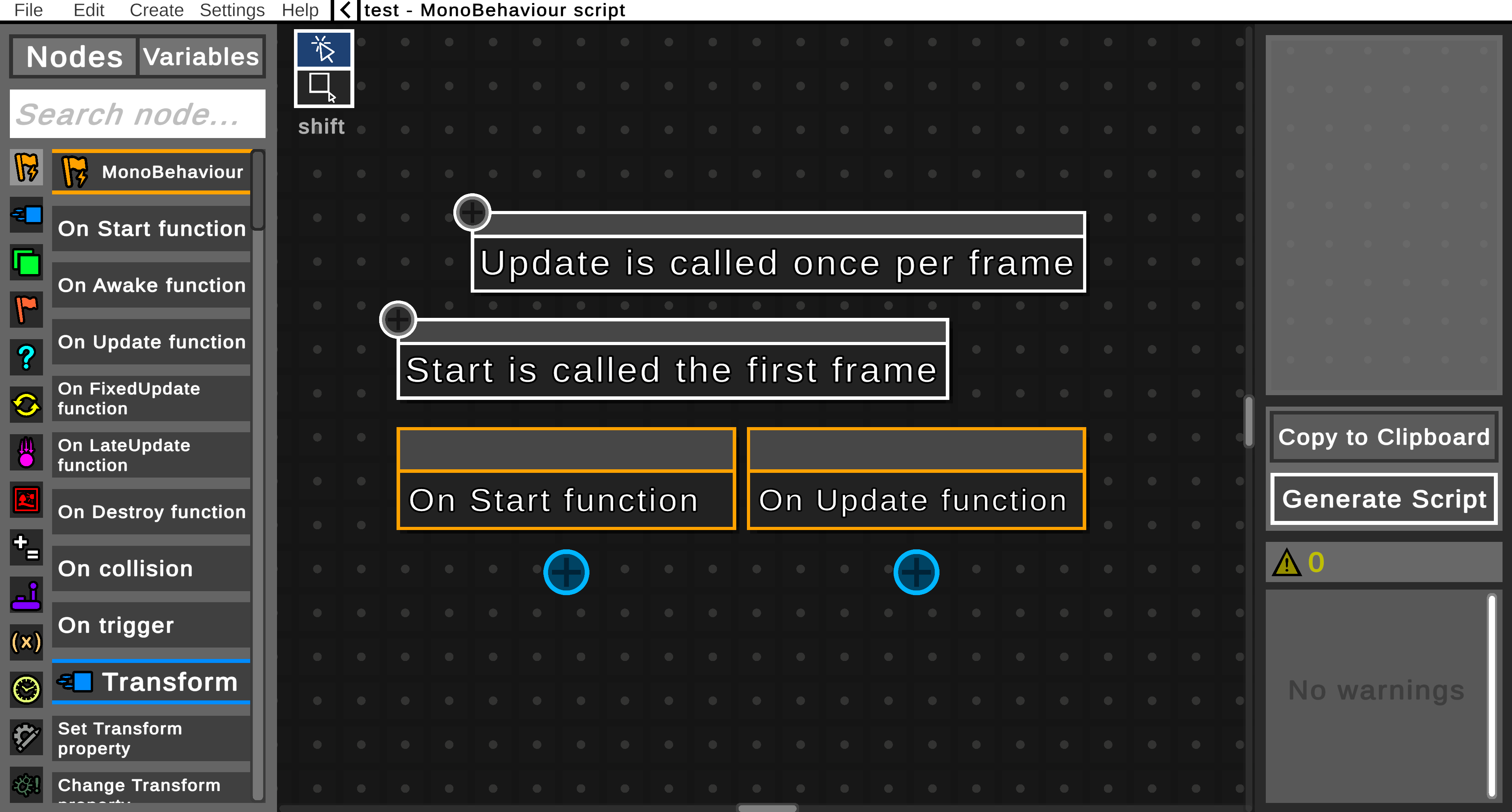
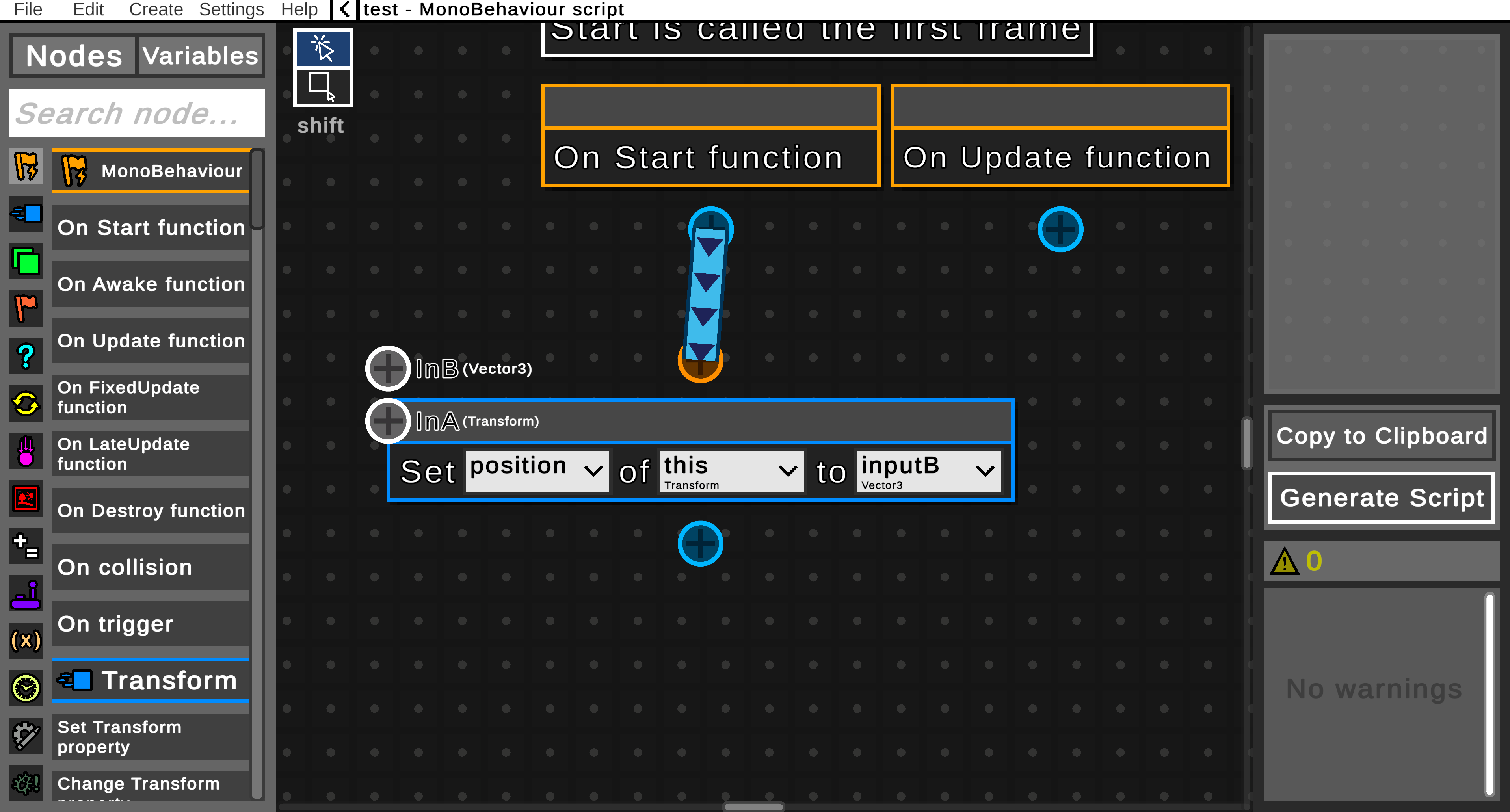
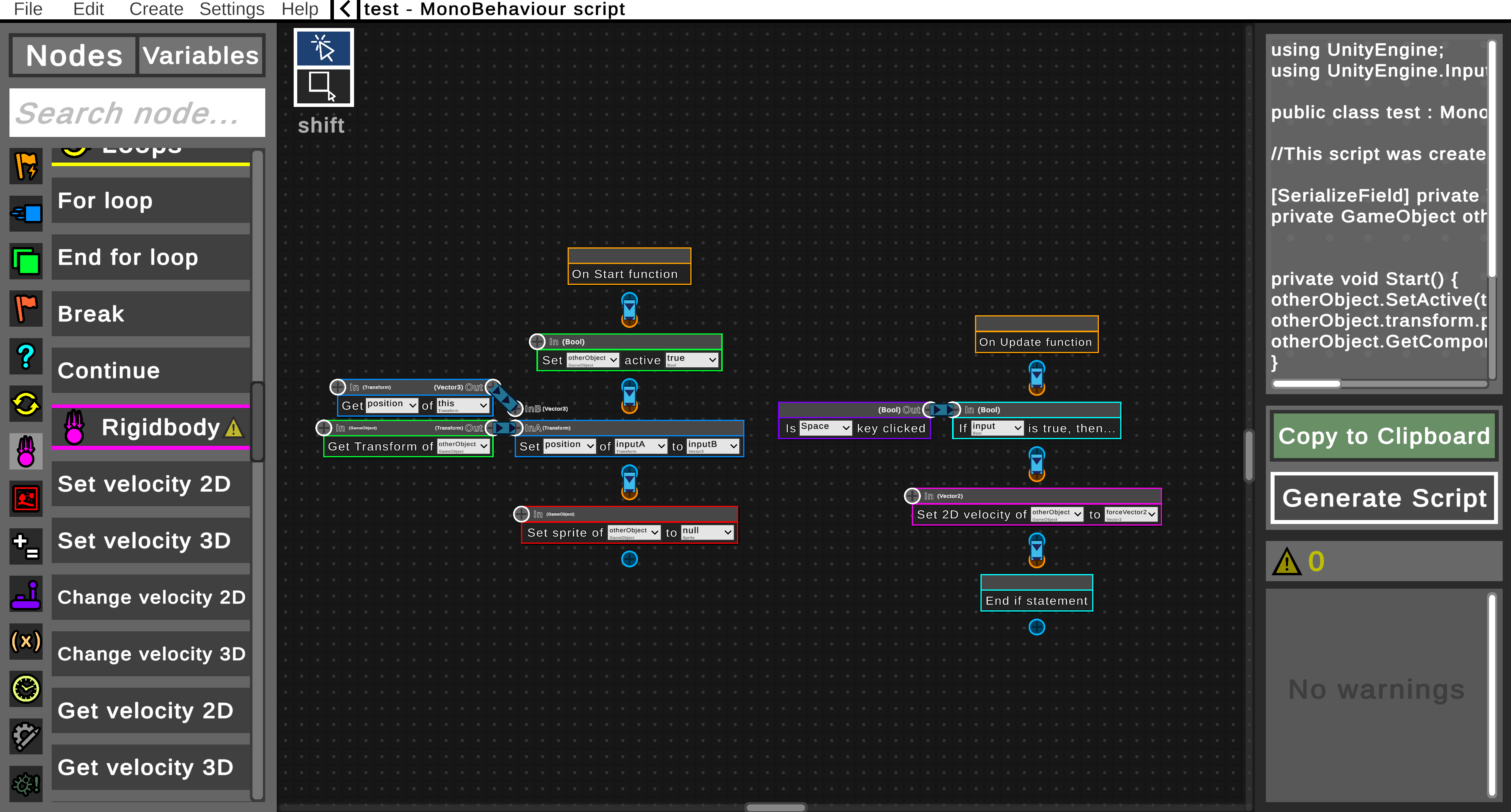
Node editor is the main part of this tool! In this editor, you can create your own script.
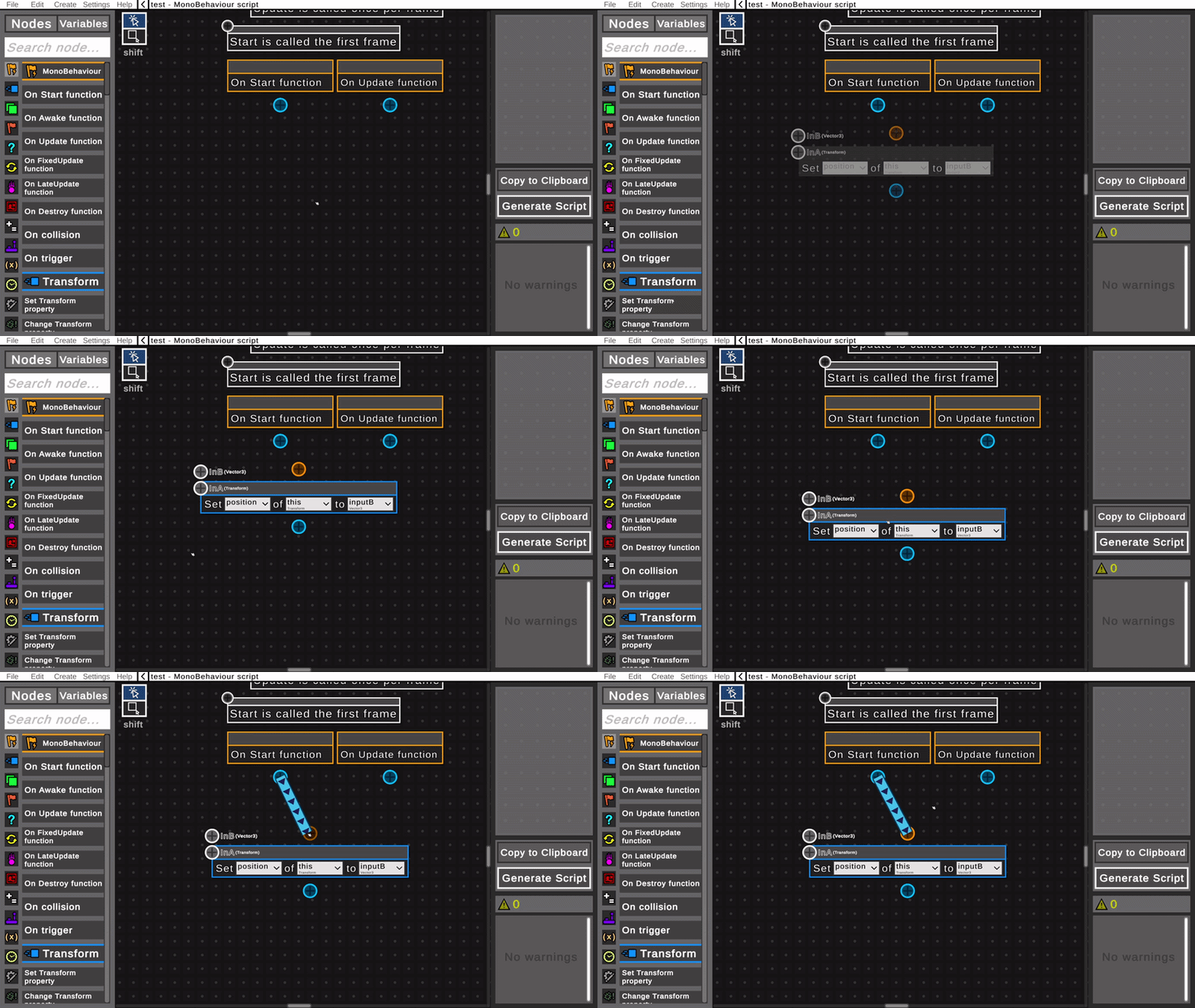
You can choose and add nodes, connect them, create variables, and much more. If any warnings appear, they will be displayed on the right (not all warnings are shown).
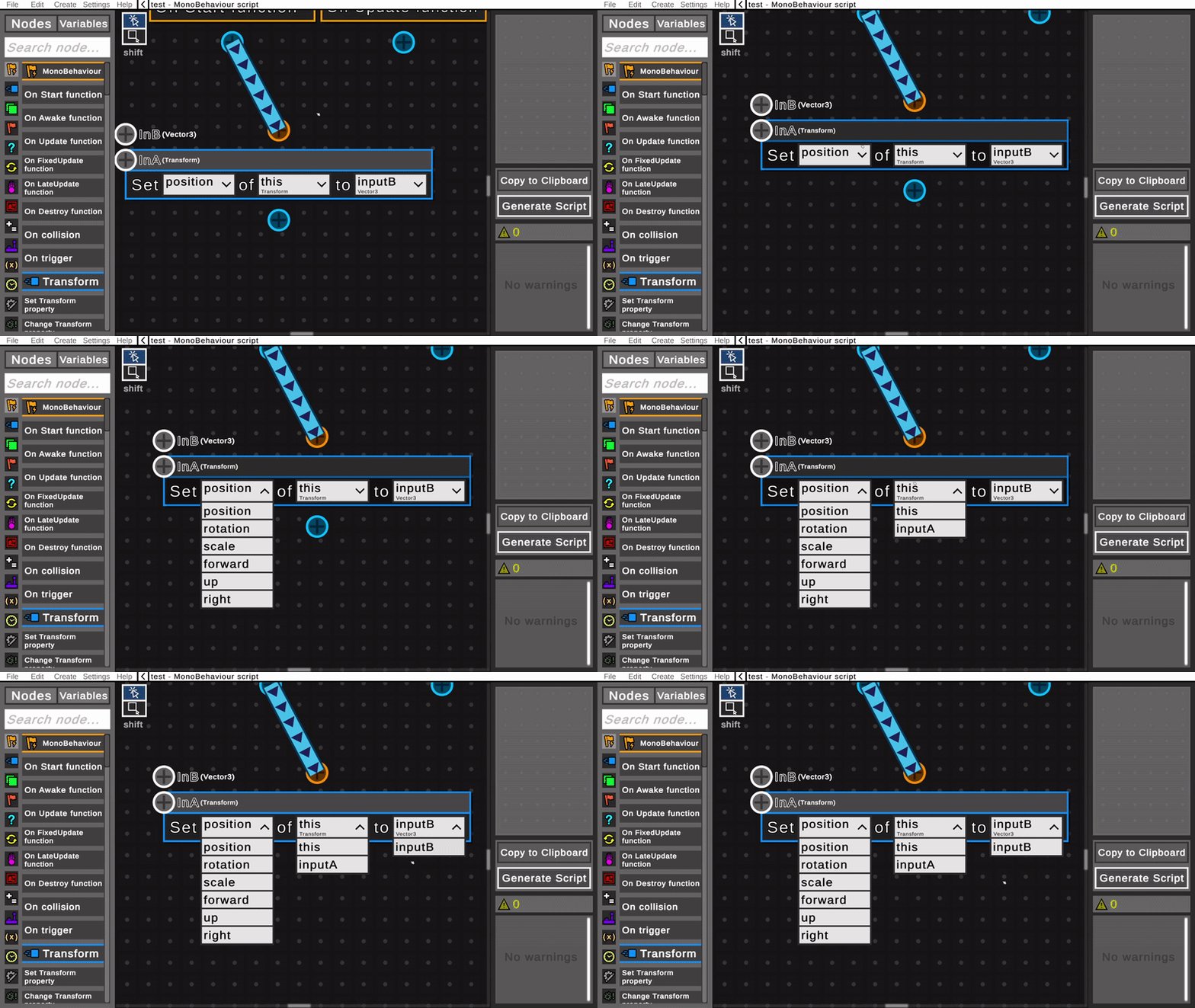
To change behaviour of any node, you can use dropdowns or text fields.
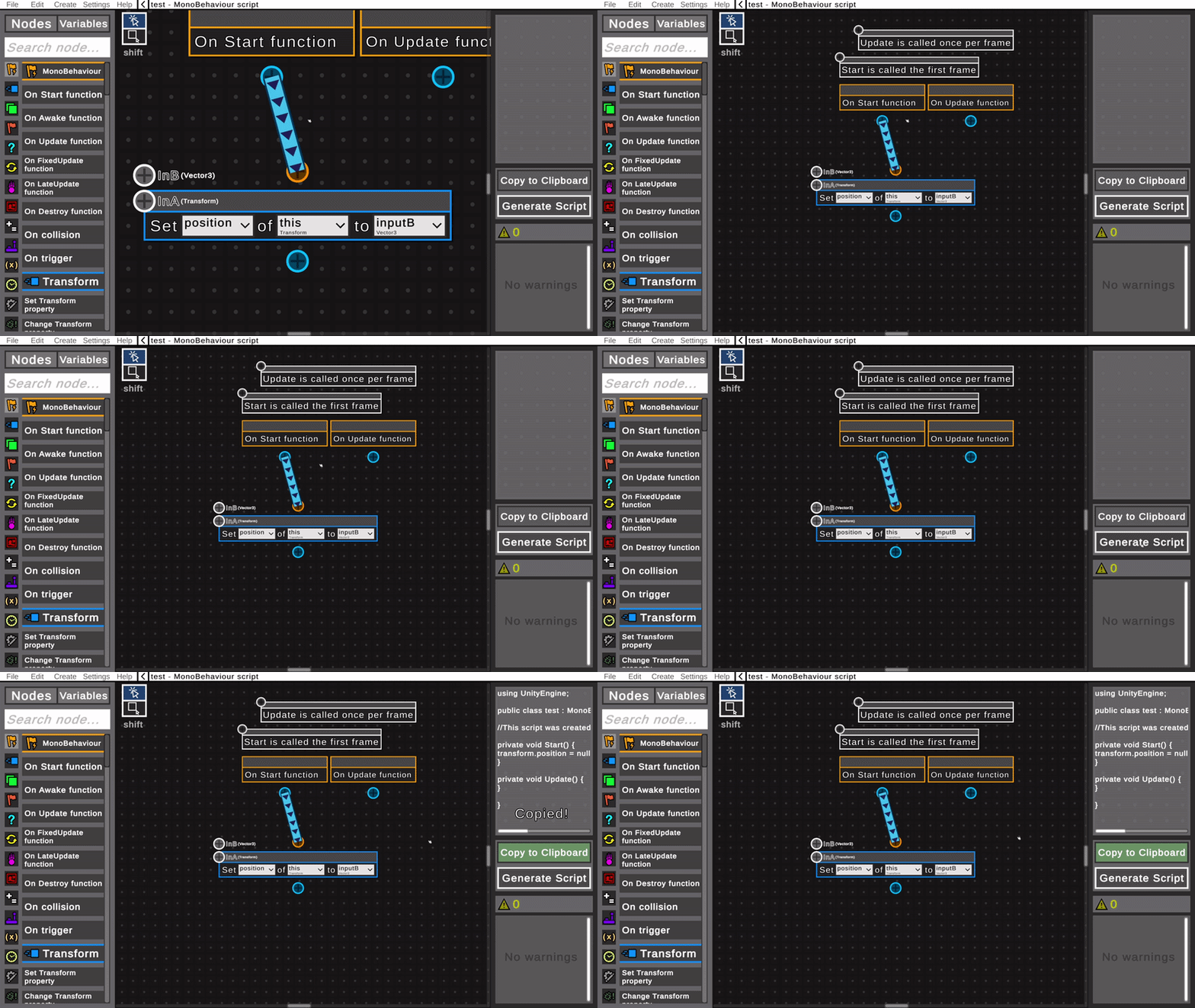
When you want to try your code, simply click the "Generate Script" button and then "Copy to Clipboard" to copy it. Then just paste the code into Visual Studio and try it in the Unity Editor!
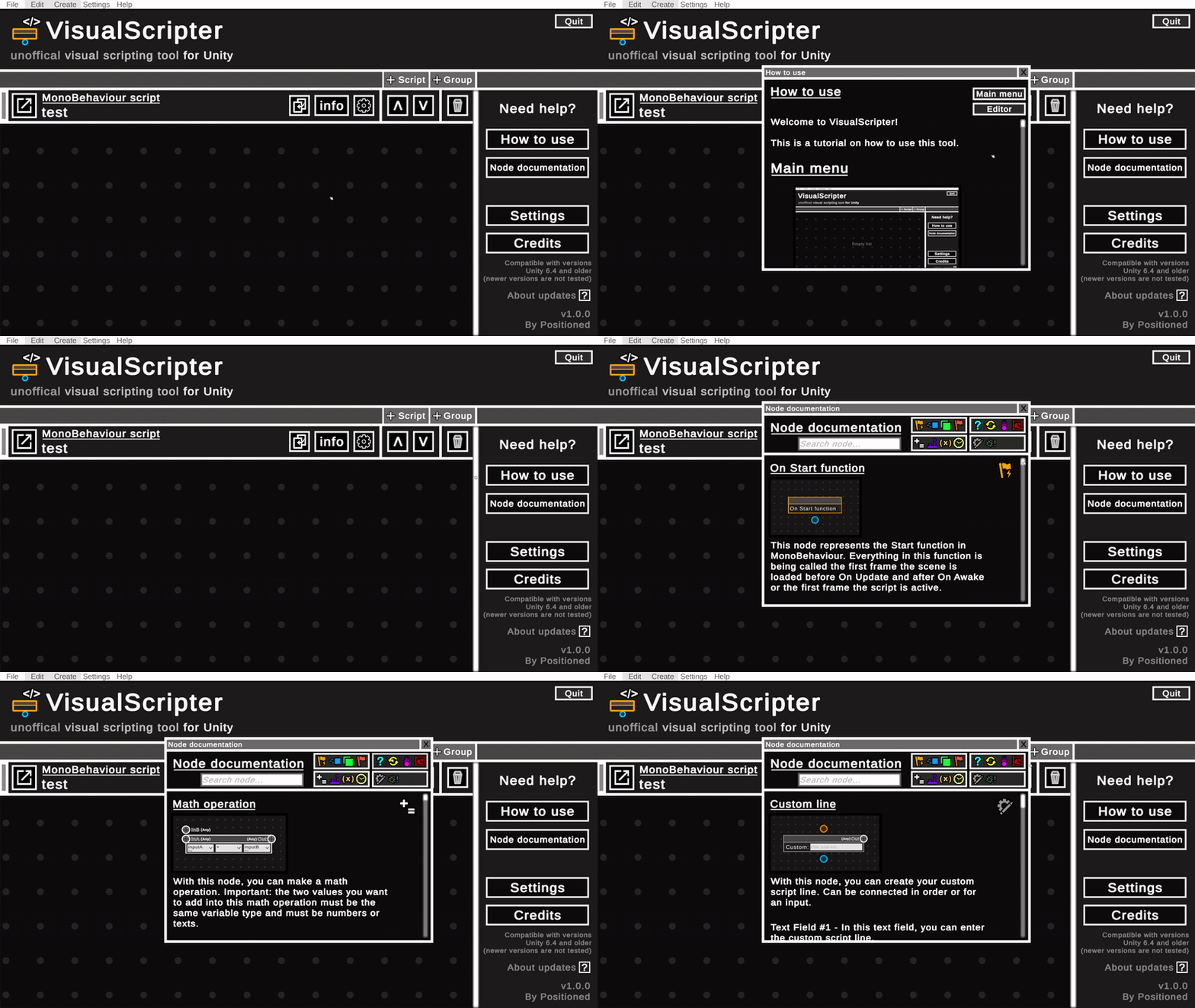
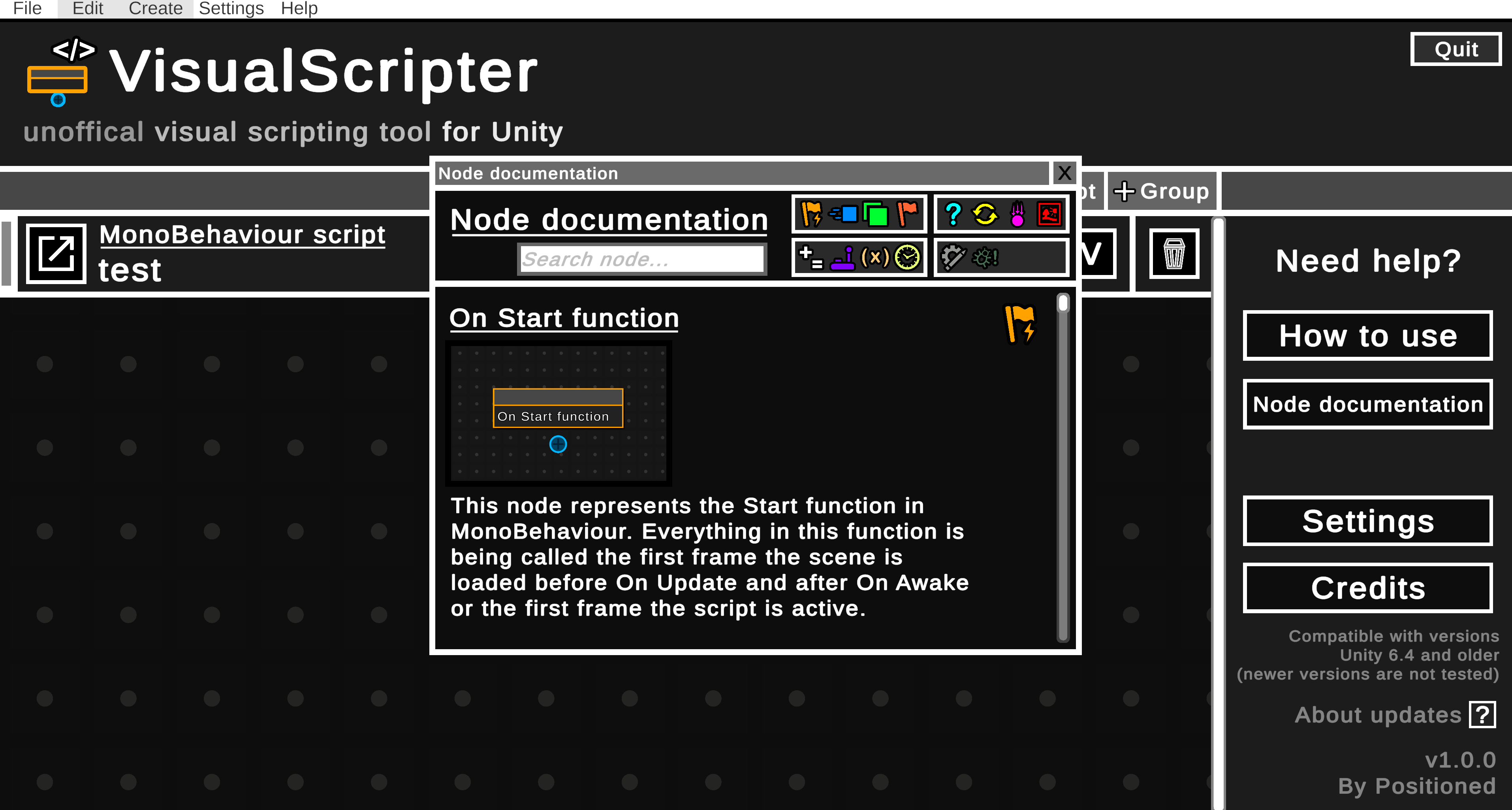
This tool includes a built-in How to use tutorial and Node documentation that describes all nodes.
About updates: due to lack of time and work on another projects, VisualScripter will not be actively updated. Only when app-breaking bug occurs, etc., there probably would be a small update. Thank you for understanding.
No AI used for programming, art, UI etc.
Thanks for downloading/viewing my tool :)
Download
Install instructions
1. Download the zip file with the button above.
2. Extract the zip file.
3. Move the new "VisualScripter 1.0.0" folder somewhere else (for instance, documents folder).
4. Open the folder and open the "VisualScripter" executive file to open the tool.
Leave a comment
Log in with itch.io to leave a comment.